

How do I replace the bulb in a magnifying desk lamp?
Aug 11, 2025
Leave a message
As a seasoned provider of magnifying desk lamps, I've encountered numerous queries from customers about the intricacies of lamp maintenance. One question that frequently surfaces is how to replace the bulb in a magnifying desk lamp. In this blog, I'll share a comprehensive guide based on my experience in the industry, ensuring that you can handle this task with confidence.
Understanding Your Magnifying Desk Lamp
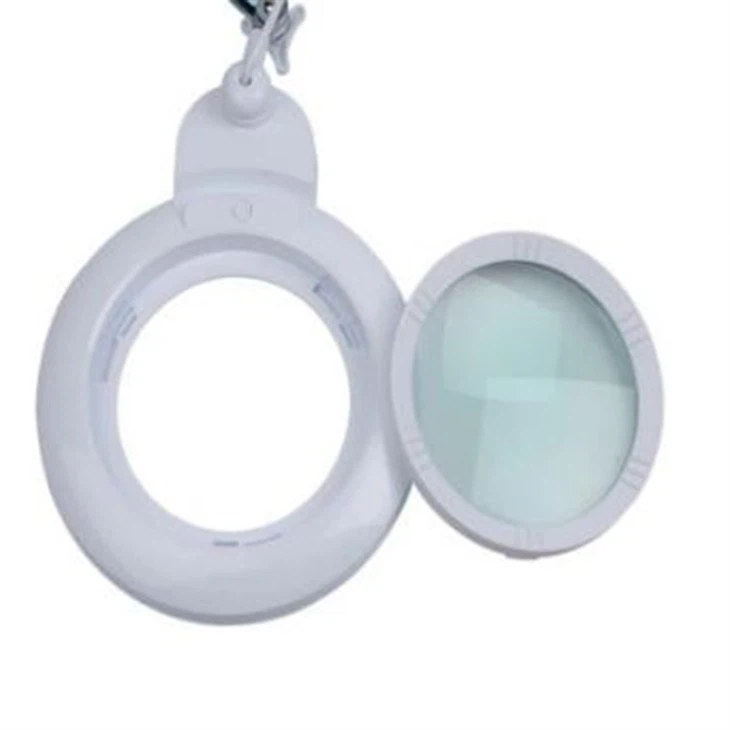
Before diving into the bulb replacement process, it's essential to have a basic understanding of your magnifying desk lamp. There are various types of magnifying desk lamps available in the market, each with its unique features and bulb requirements. For instance, the Magnifying Glass Lamp With Light is designed for detailed tasks, offering both magnification and illumination. The Workbench Magnifying Light is ideal for workbench use, providing focused light and a stable base. And the Light Stand with Magnifying Glass offers flexibility in positioning, allowing you to adjust the light and magnification according to your needs.
Tools You'll Need
Replacing the bulb in a magnifying desk lamp is a relatively simple task that requires only a few basic tools. Here's a list of what you'll need:
- Replacement Bulb: Make sure to choose a bulb that is compatible with your lamp. Check the lamp's user manual or the label on the existing bulb for the correct wattage, voltage, and type.
- Screwdriver: Depending on the design of your lamp, you may need a Phillips or flathead screwdriver to remove the lamp shade or access the bulb compartment.
- Gloves: It's a good idea to wear gloves to protect your hands from any sharp edges or hot surfaces.
Step-by-Step Guide to Bulb Replacement
Now that you have the necessary tools, let's walk through the step-by-step process of replacing the bulb in your magnifying desk lamp:
Step 1: Turn Off the Lamp and Unplug It
Before you start working on the lamp, make sure it is turned off and unplugged from the power source. This will prevent any electrical shock or injury.
Step 2: Remove the Lamp Shade
If your lamp has a removable lamp shade, use a screwdriver to remove the screws or clips that hold it in place. Carefully lift the lamp shade off the lamp base and set it aside.
Step 3: Locate the Bulb Compartment
Once the lamp shade is removed, you should be able to see the bulb compartment. In some lamps, the bulb compartment may be covered by a plastic or metal cover. If this is the case, use a screwdriver to remove the cover and expose the bulb.
Step 4: Remove the Old Bulb
Gently grasp the old bulb and twist it counterclockwise to remove it from the socket. Be careful not to apply too much pressure, as this could break the bulb. If the bulb is stuck, you can try using a pair of pliers to grip it more firmly.
Step 5: Install the New Bulb
Take the new bulb and align it with the socket. Carefully insert the bulb into the socket and twist it clockwise until it is securely in place. Make sure the bulb is fully seated in the socket to ensure proper electrical contact.
Step 6: Replace the Lamp Shade and Cover
Once the new bulb is installed, replace the lamp shade and cover. Use a screwdriver to secure the screws or clips that hold the lamp shade and cover in place.
Step 7: Plug in the Lamp and Test the New Bulb
After replacing the bulb, plug the lamp back into the power source and turn it on. If the new bulb does not light up, check to make sure it is properly installed and that the lamp is receiving power. If the problem persists, you may need to contact a professional electrician for further assistance.
Tips and Tricks
Here are some additional tips and tricks to keep in mind when replacing the bulb in your magnifying desk lamp:

- Handle the Bulb with Care: Bulbs are fragile and can break easily. When handling the bulb, make sure to hold it by the base and avoid touching the glass.
- Use the Correct Bulb: Using the wrong bulb can damage your lamp or cause it to malfunction. Make sure to choose a bulb that is compatible with your lamp's wattage, voltage, and type.
- Clean the Lamp Regularly: Dust and dirt can accumulate on the lamp shade and bulb, reducing the amount of light output. To keep your lamp in good working condition, clean it regularly with a soft, dry cloth.
- Store Spare Bulbs: It's a good idea to keep a few spare bulbs on hand in case the one in your lamp burns out. This will ensure that you can quickly replace the bulb and continue using your lamp without any interruption.
Conclusion
Replacing the bulb in a magnifying desk lamp is a simple task that can be completed in a few minutes with the right tools and a little bit of know-how. By following the steps outlined in this guide, you can easily replace the bulb in your lamp and keep it working properly for years to come.
If you have any questions or need further assistance with your magnifying desk lamp, please don't hesitate to contact me. As a leading provider of magnifying desk lamps, I'm committed to providing high-quality products and excellent customer service. Whether you're looking to purchase a new lamp or need help with maintenance and repair, I'm here to help.
We offer a wide range of magnifying desk lamps to meet your specific needs and preferences. From basic models to advanced ones with adjustable lighting and magnification, we have the perfect lamp for you. If you're interested in learning more about our products or would like to place an order, please feel free to get in touch with us. We're looking forward to discussing your requirements and helping you find the best magnifying desk lamp solution.
References
- Manufacturer's user manuals for magnifying desk lamps.
- General knowledge and experience in the magnifying desk lamp industry.